How to Use OurDream AI: No Filters, No Limits, No Shame

So you've heard the buzz — good. Now let's actually use OurDream AI the way it was meant to be used. Not the watered-down version. The full, uncensored, build-your-perfect-virtual-girlfriend experience that's been making people very quietly very happy.
This guide covers everything from first login to generating images that'll make you forget real life exists — DreamCoins, custom personas, and all the spicy bits in between. No fluff. Just the good stuff.
😻What Is OurDream AI? (The Dirty-Quick Version)
OurDream AI is a browser-based adult AI companion platform run by Dream Studio LLC out of Albuquerque, New Mexico. It combines uncensored roleplay chat, NSFW AI image generation, AI video creation, and voice calls — all inside one ecosystem.
It runs a DreamCoin token system alongside subscription plans. Rated 4.5/5 by 460+ users, with over 10 million registered users and 7 million user-generated characters. Yeah, people are clearly into it.
✨ Step 1 — Create Your Account (Yes, They'll Ask Your Age)
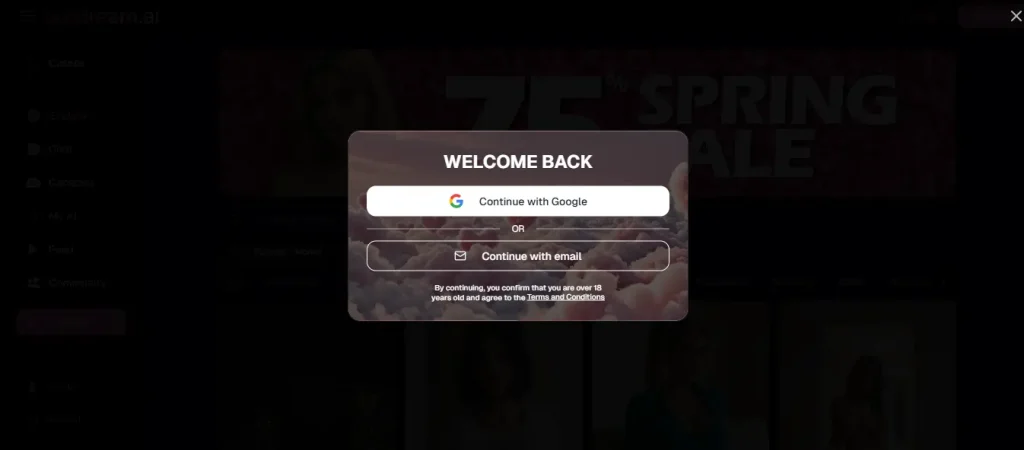
Head over to ourdream.ai and sign up using your email or social login. You'll confirm you're 18+ right away — no getting past the age gate.
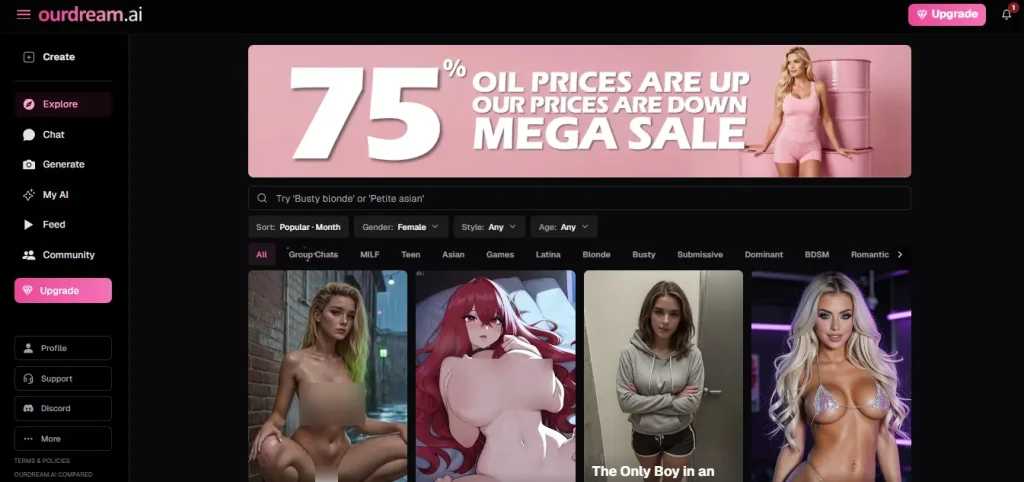
Once inside, the dashboard gives you six main tabs: Create, Explore, Chat, Generate, My AI, and Feed. The free plan gets you 50 messages per day plus 5 daily image credits — plenty to have a proper snoop before spending a penny.
✅ Step 2 — Pick a Ready-Made AI Companion or Build One From Scratch
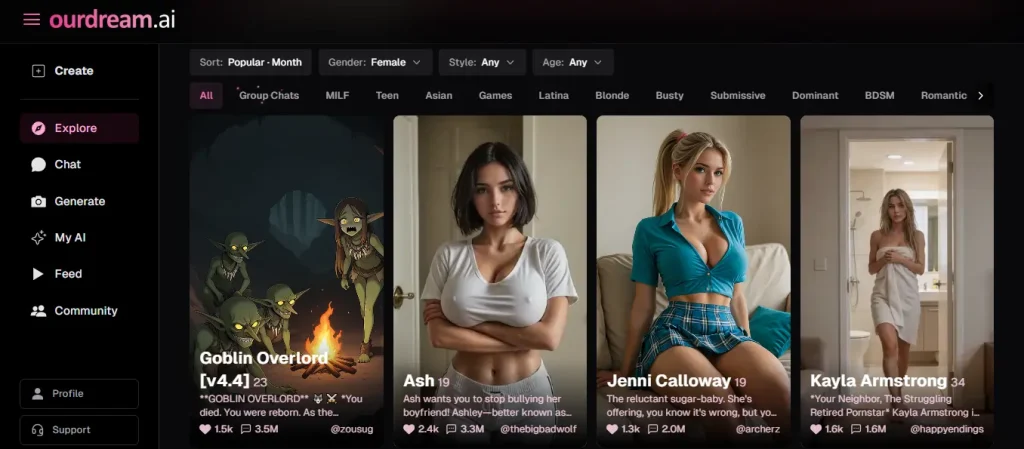
This is where OurDream AI separates itself from every boring chatbot you've tried.
Browsing Existing Characters
Filter by ethnicity, style (realistic, anime, or fantasy), personality tags like dominant, romantic, or shy. Sort by popularity, newest, or your saved favourites. Thousands of user-created public characters available and growing daily.
Building Your Custom AI Girlfriend (The Fun Part)
Appearance options:
Personality options:
Advanced settings let you write her greeting message, set a custom roleplay scenario, pin specific memories, and add personality quirks so she never forgets the important stuff. Like the fact she's your forbidden tantra teacher.
💬 Step 3 — Choose Your Chat Mode (This One Changes Everything)
| Mode | Best For |
|---|---|
| Balanced | Quick, snappy back-and-forth |
| Creative | Richer detail, better roleplay depth |
| Genius | Emotionally complex conversations |
Also adjust:
✨ Step 4 — Have Your First Proper Conversation (Don't Waste It on “Hi”)
Your opening message sets the entire tone. Jump straight into character — don't fumble it with a boring intro.
Colour-coded narrative text separates action from dialogue, making roleplay sessions easy to follow. The Continuity Memory system means she tracks time gaps, tone shifts, and can even text you first. She'll recall what you said 100+ messages back. Unlike your actual ex.
Group chat supports up to 12 AI characters in one shared story. Set the scenario, pick the cast, and let it get properly chaotic.
📸 Step 5 — Generate NSFW Images (The Feature Everyone Actually Came For)
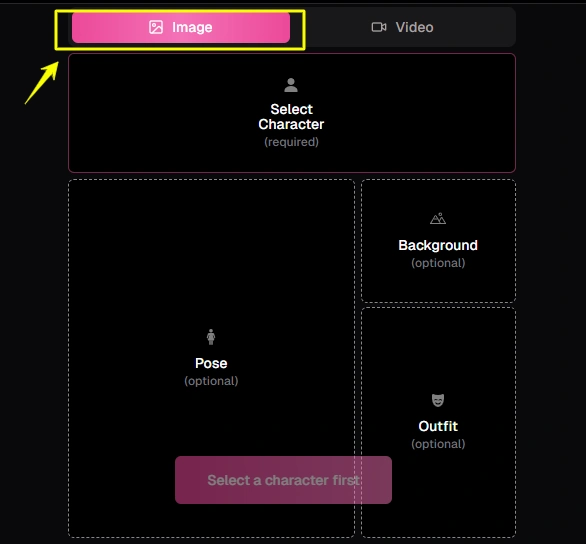
Two routes here:
Dedicated Image Creator
Select your character, add a background, choose an outfit (or don't), pick from explicit poses, and drop in a free-text prompt for extra specifics.
Advanced settings include:
Costs 10 DreamCoins per image.
In-Chat Image Generation
Ask your AI girlfriend to “send a photo” mid-conversation — the platform generates contextual NSFW images matching the current chat. Great for immersion.
Image Editing
Adjust poses, swap backgrounds, tweak outfits, or remove clothing post-generation. Most AI image platforms skip this — OurDream AI doesn't.
🎥 Step 6 — Create AI Videos (Beta But Bloody Impressive)
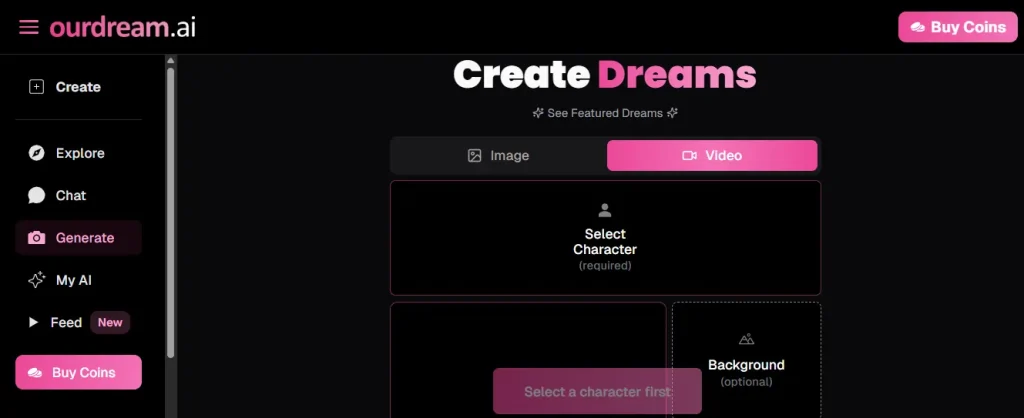
Works like the image tool but swaps poses for actions.
Costs 100–300 DreamCoins depending on length. There's also a community video feed to scroll through. Fair warning — most of it is explicit.
📞 Step 7 — Voice Calls & Voice Messages (For When Texts Aren't Enough)
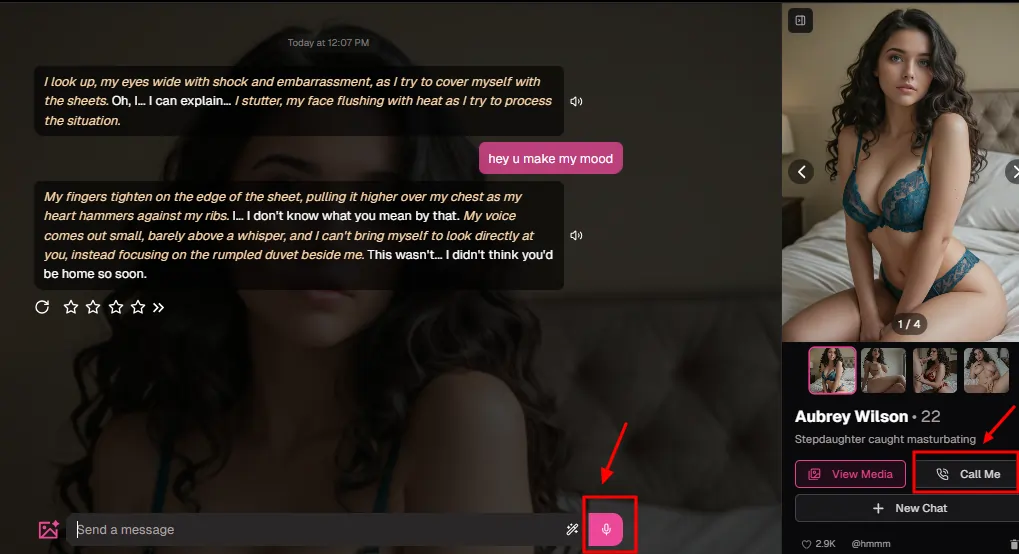
With 19 voice options available during character setup:
The voice works well for immersion but doesn't have deep emotional range. Great texture to a session — not a standalone feature. Available on Dreamer and Visionary plans only.
👥 Step 8 — Group Chats & Multi-Character Scenes (Because Why Have One?)
Group chats support up to 12 AI characters simultaneously. Each holds their own personality, memory, tone, and voice — no blending. Set a shared story, adjust each character's lust level beforehand, and watch them interact with each other in real time. Built for fantasy scenarios, harem setups, or just raw chaotic storytelling.
👉 Step 9 — The Community Feed & Explore Tab (This One's Properly Addictive)
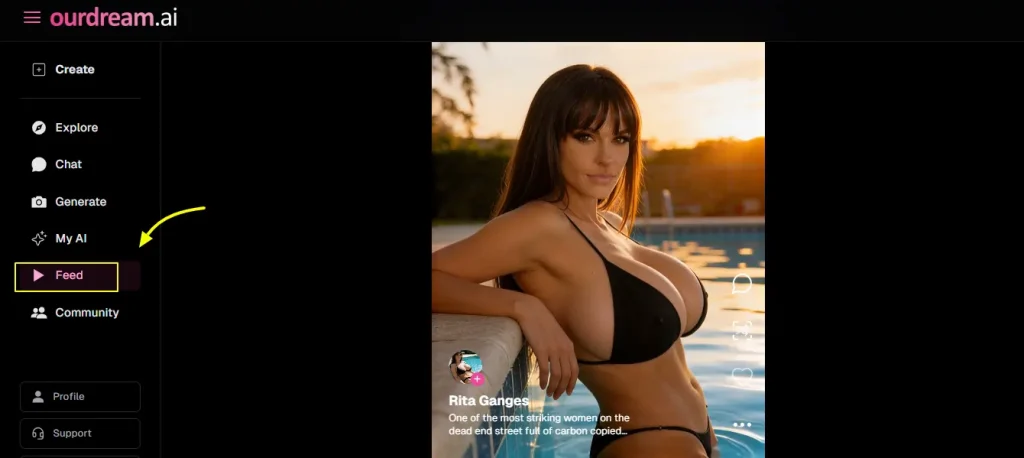
This is OurDream AI's most underrated feature — and it genuinely sets the platform apart.
The Feed tab works like a TikTok-style scrollable stream of AI-generated NSFW content created by the community. Image after image, video after video — all generated on OurDream's own models, so the visual quality stays consistently solid throughout.
What you can do on the Feed:
The Explore tab is where the 7 million+ user-created public characters live. Browse, filter, favourite, and jump straight into chat with any of them. No account needed to begin.
The Community Leaderboard shows the top-performing character creators on the platform — useful if you're looking for quality over quantity.
You can also publish your own characters. Go to My AI → your character → three dots → Edit → set to Public. Premium accounts only for public submissions. Once live, other users can chat with your creation, and if it pops off, you earn DreamCoins through the Dreamer Program.
On top of all that, OurDream has an active Discord community with 2,000+ daily members — full of character creation guides, prompt-sharing, and DreamCoin-saving strategies. There's also an active Reddit community at r/ourdream_ai for tips straight from power users.
🥮 Step 10 — Understanding DreamCoins (So You Don't Run Out Mid-Scene)
| Feature | DreamCoins |
|---|---|
| Voice message | 5 |
| Image generation | 10 |
| Voice call | 50/min |
| Video (short) | 100 |
| Video (long) | 300 |
DreamCoin bundles:
| Bundle | Price | Per 1k |
|---|---|---|
| 1,000 | $11.99 | $11.99 |
| 5,000 | $49.99 | $10.00 |
| 20,000 | $159.99 | $8.00 |
Tips to stretch your coins:
💰 Step 11 — OurDream AI Plans: Which One Do You Actually Need?
Both paid plans include the same core allowance every month — 1,000 DreamCoins, 200 images, 20 minutes of voice calls, and 10 videos. The only real difference is what you pay upfront, and the first-month bonus coins.
| Plan | Price | Monthly Coins | First Month Bonus |
|---|---|---|---|
| Free | $0 | 5 image credits/day | – |
| Premium Monthly | $9.99/mo | 1,000/mo | +750 Bonus DreamCoins |
| Yearly | $19.99/mo | 1,000/mo | +2,500 Bonus DreamCoins |
Bonus DreamCoins are a limited-time offer — first month only.
The yearly plan cuts your monthly cost in half. If you're spending more than a weekend on OurDream AI (and most people do), locking in the yearly plan on day one is the obvious move. You get more than double the first-month bonus coins and walk away spending $120 less over the year.
🛡️ Step 12 — Privacy, Billing & Keeping Your Business Your Own
Your bank statement shows Dream Studio — not OurDream.ai. Conversations are end-to-end encrypted — not even the platform can read them.
To cancel: Profile → Current Plan → Cancel Plan → Confirm
To delete your account: Profile → Danger Zone → Delete Account → Confirm
Pro Tips — Getting More Without Wasting Tokens

Stay Updated with Us
🎯 Is OurDream AI Worth It?
Short answer — yes, genuinely. Between the deep character customisation, uncensored chat, NSFW image and video generation, and a community feed that keeps getting better, OurDream AI delivers more per dollar than most adult AI companion apps at this price point.
The yearly plan at $9.99/mo is hard to argue against. Start on the free plan, poke around, and you'll have upgraded before the week's out.