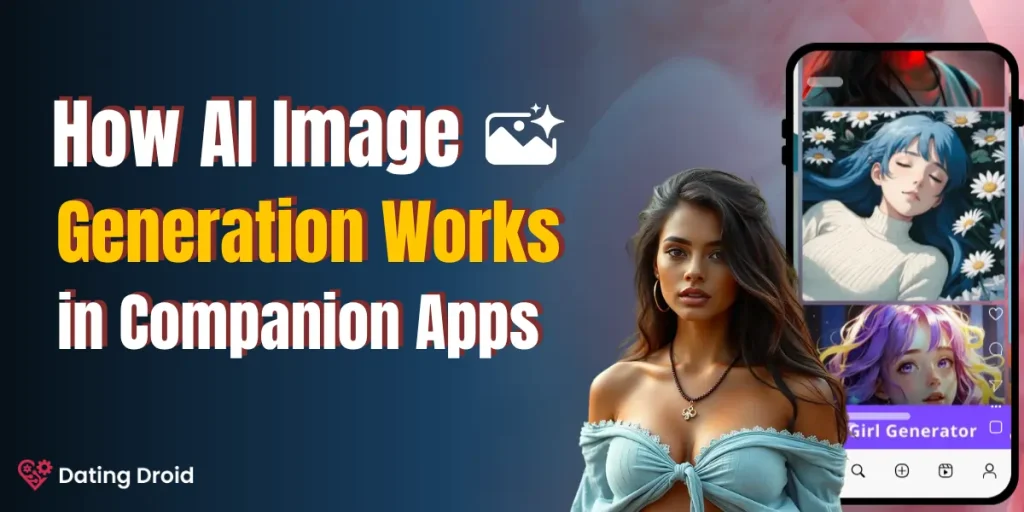
How AI Image Generation Works in AI Companion Apps (2026)

You’re mid-conversation with your AI companion. Things are going well. You type “send me a selfie” — and three seconds later, a hyper-realistic photo pops up on your screen.
A face you’ve never seen in real life, staring back at you with the exact hairstyle, eye color, and outfit you picked out last week.
So… what just happened?
That image wasn’t pulled from some secret photo vault. Nobody posed for it. No photographer was involved. Your AI companion app just built that picture from scratch using math, noise, and a terrifyingly smart neural network.
Here’s the full breakdown of how AI image generation actually works inside companion apps — and why it’s way more complex than most people assume.
🤖 Your AI Companion Has No Camera — So What’s Happening?
Let’s kill the biggest misconception first.
There is no photo library. No stash of pre-shot selfies sitting on a server, waiting for your request. When your AI companion sends you a picture, that picture did not exist five seconds ago. It was generated — pixel by pixel — by an image generation model running in real time.
This is the difference between retrieval and generation. Old-school chatbots retrieved. Modern companion apps generate. And three core technologies make it possible:
None of these need a camera. None of these need a real person. They build faces from pure mathematics.
📸 Text-to-Image AI Behind Companion Selfies
Every AI generated selfie starts the same way — with words.
Sometimes you type the prompt yourself. Sometimes the app builds one silently based on your conversation context. Either way, natural language processing kicks in first: your words get broken down, analyzed for meaning, and converted into a format the image generation model can actually work with.
Think of it as translation. Human language goes in. Mathematical coordinates come out. And those coordinates tell the model exactly what kind of image to build.
Why Every AI Companion App Now Ships With This
Here’s why this matters: virtually every AI relationship app and emotional AI chatbot now has in-chat image generation baked in. Candy AI, DreamGF, OurDream AI — they all run on some version of this text-to-image pipeline.
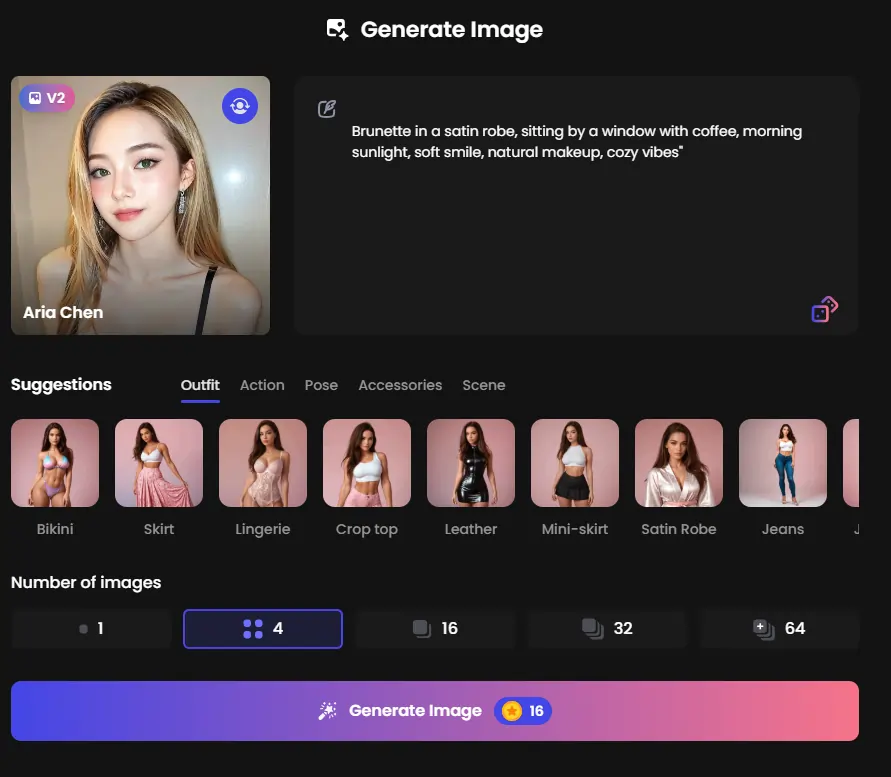
It’s no longer a premium feature. It’s the baseline. If your virtual companion can’t send you a photo mid-conversation, it already feels outdated.
✨ Diffusion Models That Make AI Photos Look Real
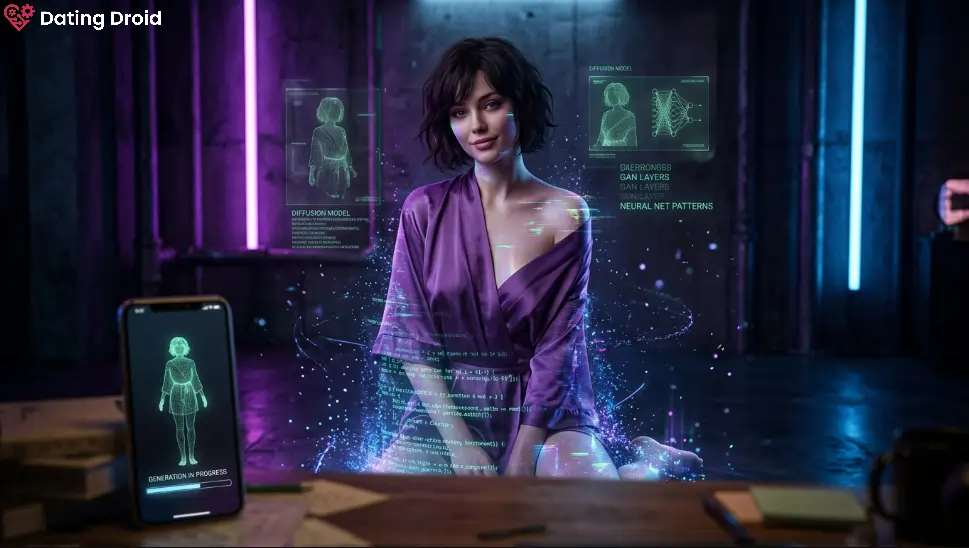
A stable diffusion model is the engine behind most realistic AI images you see today. And the way it works is beautifully weird.
Picture this: you start with pure static. TV snow. Complete visual chaos. Then, step by step, the model removes noise from that chaos — guided entirely by your text prompt — until a coherent, photorealistic face appears.
That’s latent diffusion in a nutshell. It doesn’t paint an image. It sculpts one out of noise.
⚙️ How Diffusion Actually Works (Step-by-Step)
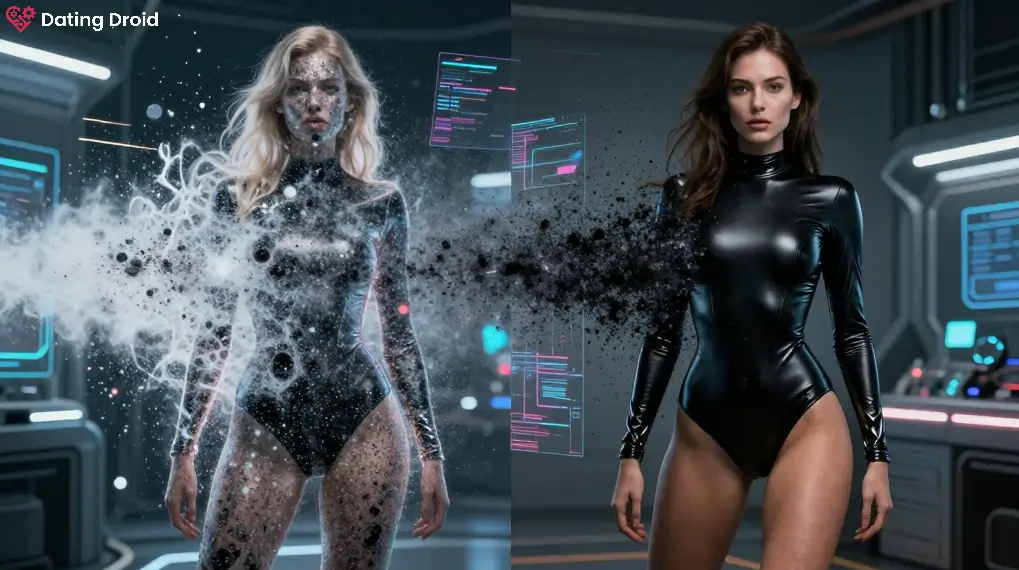
During training, the model learns by watching the reverse of creation. Real images get noise added to them progressively until they’re unrecognizable. The model studies this destruction, then learns to undo it.
Forward pass: A clean training image gets noise added, layer by layer, until it’s pure static.
Reverse pass: The model learns to strip that noise away, step by step, reconstructing something that looks real — but guided by your specific prompt this time.
The result? Photorealistic AI output that can look indistinguishable from a real photograph. That’s the denoising process doing its thing.
📱 Why Companion Apps Prefer Diffusion
Three reasons companion apps specifically gravitate toward diffusion:
| Factor | Why It Matters |
|---|---|
| Speed | Generates full images in 2–5 seconds on cloud GPUs |
| Quality | Produces photorealistic output that holds up on phone screens |
| Consistency | Maintains character appearance across multiple generations |
For real-time in-chat image generation — where someone’s waiting on a selfie mid-conversation — those three factors are non-negotiable.
👀 Where GANs Still Show Up
GAN image generation runs on a brilliantly simple concept. Two neural networks compete against each other. The Generator tries to create fake images. The Discriminator tries to catch them. Over millions of rounds, the Generator gets so good that even the Discriminator can’t tell the difference.
That adversarial tension made GANs the original kings of AI generated photos — long before diffusion took over.
GANs Haven’t Disappeared Though
They still handle specific tasks where they’re faster and more efficient:
When a companion app needs to tweak a smile or shift a head angle without rebuilding the entire image from scratch, GANs handle that better than diffusion.
🔐 How Apps Keep Your AI Character Consistent
Here’s what most people don’t realize: generating one good image is relatively easy. Generating fifty images of the same character across different poses, outfits, and lighting conditions? That’s brutally hard.
Companion apps solve this problem through several techniques working together. LoRA fine-tuning locks in specific facial features.
Identity embeddings create a mathematical “fingerprint” of your character’s face. Reference image anchoring gives the model a visual baseline to stay consistent against.
Your Customization Choices Are Actually Math
When you set your companion’s appearance — hair color, eye shape, body type, clothing style — those choices become parameters fed directly into the image generation model.
Your AI character appearance design inputs aren’t cosmetic toggles. They’re mathematical constraints that shape every single image the model outputs. Personality and visuals run on two parallel tracks, and the best apps make them feel like one seamless experience.
📝 Prompt to Picture — The 3-Second Breakdown
Here’s what happens between your message and the final image, broken into four rapid-fire steps:
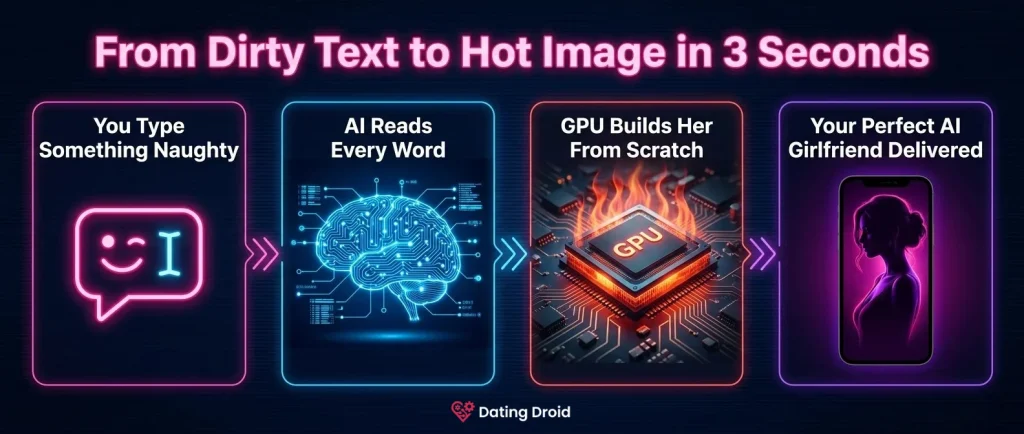
Step 1 → Chat Becomes a Prompt. The AI chatbot layer reads your conversation’s context, mood, and tone. If you said something playful, the auto-generated prompt might include “smiling, casual, warm lighting.” You didn’t type any of that. The system inferred it.
Step 2 → Prompt Hits the Model. Your words get encoded through CLIP embeddings — a method that converts language into vectors the model understands. This is where AI image prompt engineering happens silently in the background.
Step 3 → GPU Rendering Fires Up. Cloud-based GPU rendering kicks off the iterative denoising loop. Each step sharpens the image further. This is why AI image generation speed feels instant on your phone — the heavy computation runs on powerful remote servers, not your device.
Step 4 → Post-Processing and Delivery. Before you see anything, the raw output passes through upscaling, face correction, and style filters. Image-to-image AI editing polishes the final product so it looks clean, sharp, and consistent with your companion’s established appearance.
The entire pipeline — all four steps — takes roughly 2 to 5 seconds.
Stay Updated with Us
🚀 Training Data Nobody Talks About
Deep learning image synthesis doesn’t happen in a vacuum. These models need millions of images to understand how light hits a cheekbone, how fabric wrinkles, how eyes reflect a window. The training data for AI images is a loaded topic.
Some apps use entirely synthetic datasets — images generated by other AI models, meaning no real person’s photos were involved. Others source from public image libraries. A handful don’t disclose their sources at all.