Are AI Video Calls With a Girlfriend Actually Private? Live Room Data Guide

AI girlfriend video calls can feel personal within minutes. You open a live room, allow microphone access, talk to a virtual companion, and get replies shaped by your voice, chat history, and saved preferences.
So, is the call really private?
Yes, but only within limits. A private AI girlfriend live room is usually hidden from other users, yet the service still processes data to make the interaction work. Voice may become text.
Chat details may feed companion memory. Generated media may stay in your account. Technical logs and payment records can also remain after the room closes.
Here is the simplest way to read an AI girlfriend video call privacy claim:
A trustworthy live room should offer clear permissions, deletion tools, and honest data rules.
🎥 AI Girlfriend Live Room Data: What May Be Processed or Saved?
| Data Type | Needed During a Live Room? | May Be Saved? | Main Privacy Check |
|---|---|---|---|
| Voice input | Yes | Possibly | Audio retention and transcripts |
| Camera feed | Only if enabled | Possibly | Recording and visual-data rules |
| Typed chat | Yes | Often | Chat history and memory |
| Generated images or clips | Not for basic calls | Often | Media deletion controls |
| IP address and device details | Usually | Often | Security logs and analytics |
| Email and account details | Yes | Yes | Account deletion process |
| Subscription data | For paid access | Yes | Payment processor and invoices |
| Card statement descriptor | No | Visible through your bank | Exact merchant name |
The exact answer changes by platform, settings, plan, enabled features, and local law.
🤔 What Does “Private AI Video Call” Actually Mean?
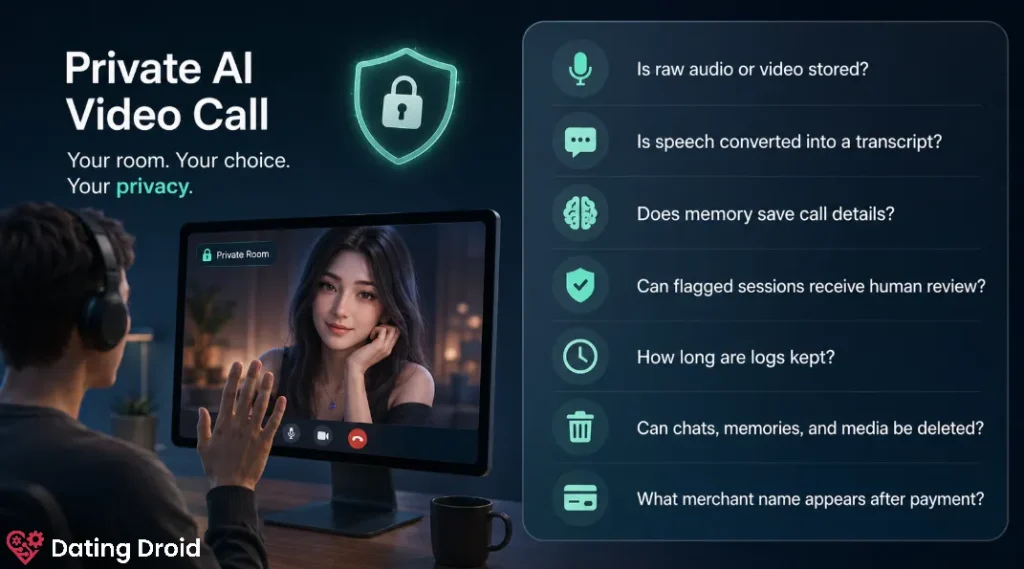
A private AI call normally means the room belongs to your account and is not publicly broadcast. Other members should not be able to search for, join, or watch the session.
That covers audience access, not total data handling. The platform may still process microphone input, camera context, messages, session duration, plan status, and safety signals. Some records may remain for memory, moderation, support, or fraud checks.
Before trusting a private-room badge, check:
- Is raw audio or video stored?
- Is speech converted into a transcript?
- Does memory save call details?
- Can flagged sessions receive human review?
- How long are logs kept?
- Can chats, memories, and media be deleted?
- What merchant name appears after payment?
Those answers matter more than a lock icon on a landing page.
👀 What Data Does an AI Girlfriend Video Call Use?
Microphone and Voice Data
Voice chat needs microphone access. Your speech may be streamed for recognition, turned into text, processed as a prompt, and used to create a spoken reply.
Even when raw audio is not stored, the text version may remain in chat history or memory. Treat voice mode like typed chat with an extra sensor attached.
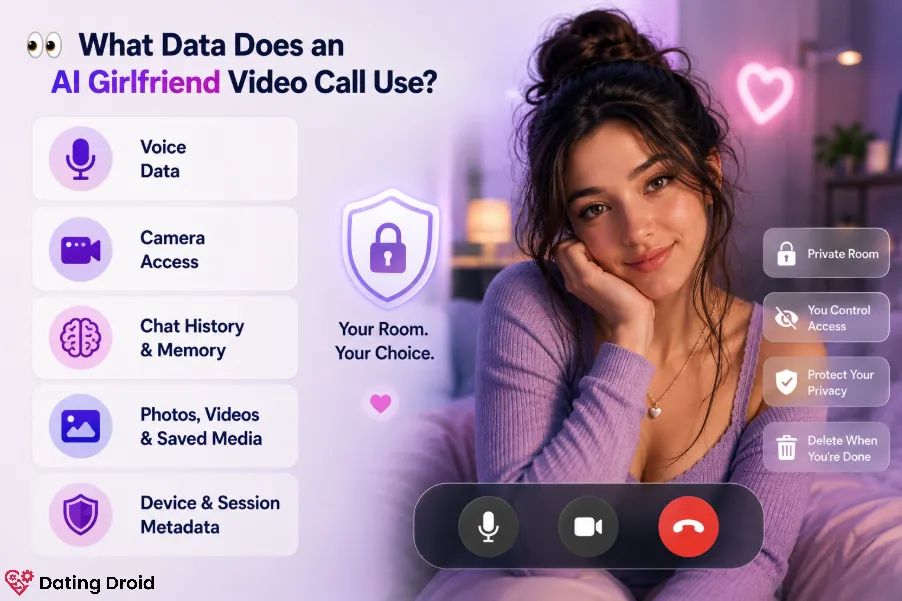
Camera Access and Visual Context
Some live AI girlfriend rooms can respond to expressions, movement, objects, or surroundings. That requires camera permission.
Check the browser prompt, camera indicator, and phone privacy panel. Keep camera access blocked until the feature gives you a clear reason to switch it on.
Chat History and Companion Memory
Memory makes an AI companion feel consistent, but it requires stored context. A system may keep full messages, short summaries, selected facts, preferences, or relationship notes.
Keep passwords, banking data, addresses, client details, legal names, and identifiable documents out of the conversation.
Generated Photos, Videos, and Saved Media
Live rooms often connect to image and video tools. A file saved to your media library may remain there until you delete it or close the account.
Check for private galleries, sharing links, delete buttons, download controls, and public-profile settings. Removing a conversation may not remove generated media, so clear both areas.
Device and Session Metadata
A call can create technical records even with the camera off. These may include IP address, browser type, device model, login time, session length, cookie IDs, crash reports, and plan status.
These records can still link activity to an account or device.
🧐 Are AI Girlfriend Calls Recorded?
Possibly, but “recorded” can mean several things.
A service may not save a playable video and still keep an audio transcript, memory summary, moderation flag, generated reply, event log, or error report.
Look for clear wording about raw audio and video storage, speech-to-text transcripts, conversation history, safety review, retention periods, and deleted-account backups.
Missing details are not proof that nothing is saved.
📲 Does Incognito Mode Protect a Private AI Call?
Not fully. Incognito mode mainly limits local browser history, cookies after the session, and some form data.
It does not hide activity from the platform, internet provider, workplace network, payment company, monitoring software, or screen recorder. It reduces local traces but cannot replace careful permissions.
📸 Can an AI Girlfriend App Access Your Camera Without Permission?
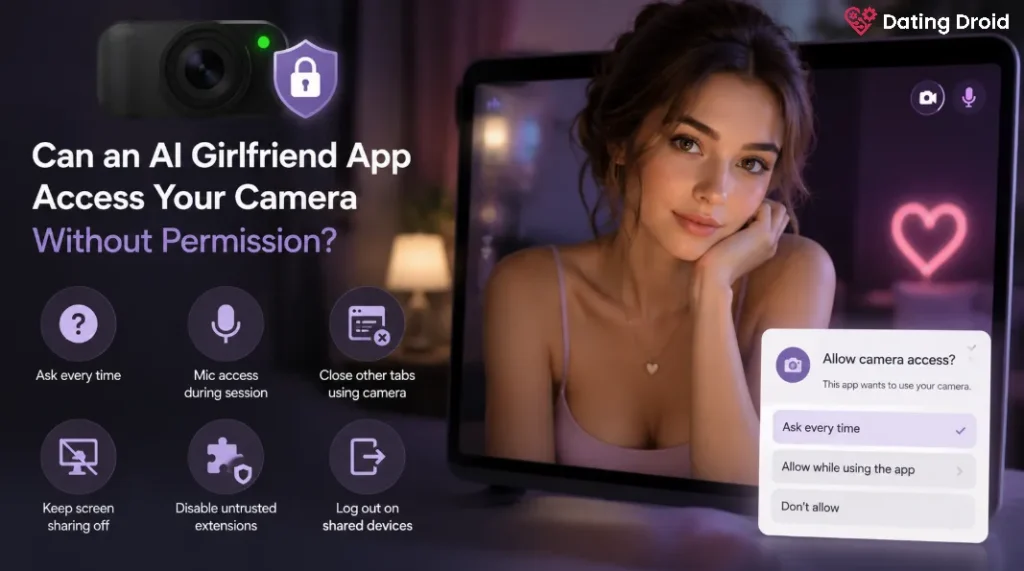
A normal browser or mobile app should request permission before receiving camera input. Still, broad permissions may remain enabled after the first session.
Before opening a virtual girlfriend live room:
If the camera indicator stays active after the room closes, shut the app or browser and review permissions.
📃 Private Billing: What Will Appear on Your Statement?
Billing privacy is separate from live-room privacy.
Your activity may remain hidden inside the account while the subscription name still appears in a card app, bank statement, wallet, email receipt, or shared financial dashboard.
Before paying, check the exact statement descriptor, merchant name, renewal frequency, trial end date, invoice emails, cancellation route, and refund terms.
Do not rely only on “discreet billing” wording. The useful detail is the label sent to your card issuer.
For added separation, use a personal email, disable lock-screen purchase alerts, and avoid shared cards.
🔴 Is aiAllure Private for AI Girlfriend Live Rooms?
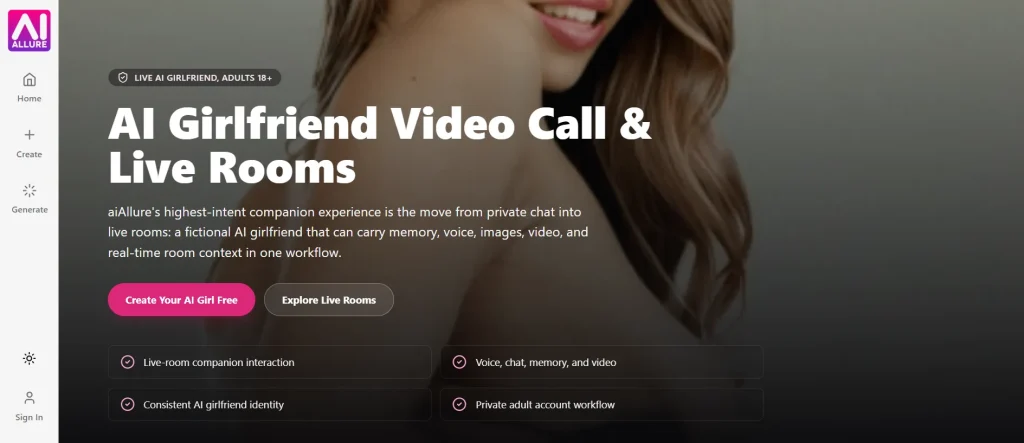
aiAllure presents its video-call experience as a private, account-based workflow for fictional adult companions. Its live rooms connect voice, chat, memory, generated images, videos, and a consistent companion identity under one account.
That can be more controlled than moving between separate services. Still, aiAllure says its memory can recall conversations, preferences, and relationship history, so some interaction context remains available inside the account.
Users should review the current privacy notice, memory controls, media deletion tools, checkout details, and statement descriptor before sharing sensitive information or paying for a plan.
⚡ 9 Ways to Make an AI Video Call More Private
- Create a separate email for AI companion accounts.
- Use a unique password and two-factor login if available.
- Keep your surname, employer, address, and phone number out of chat.
- Set camera and microphone access to session-only use.
- Start with text or voice before switching on the camera.
- Keep IDs, mail, family photos, work screens, and windows out of view.
- Review saved memory after sensitive conversations.
- Delete unwanted chats and generated media separately.
- Confirm the billing descriptor before subscribing.
🚩 AI Companion Privacy Red Flags
Pause the session or payment if camera access starts without a clear prompt, chat retention is not explained, saved media cannot be removed, cancellation is hidden, public sharing is enabled by default, or support will not explain the billing descriptor.
A polished interface does not prove careful data handling.
How to Delete Live Room Data
Remove chat threads, saved memories, custom companions, generated images, videos, voice clips, and shared links from the account dashboard.
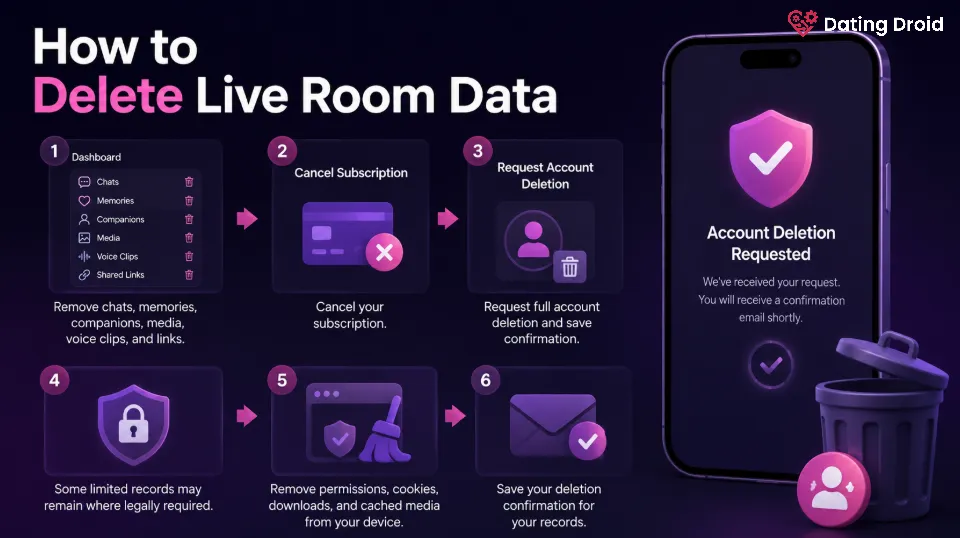
Next, cancel the subscription. Cancellation and account deletion are often separate steps.
Then request full account deletion and save the confirmation. Limited payment or security records may remain where legally required. Remove browser permissions, cookies, downloads, and cached media from your device.
🛡 FAQs About AI Girlfriend Video Call Privacy
Are AI Girlfriend Video Calls Completely Private?
No. A room can be private from other users while the service still processes voice, chat, account, device, and safety data.
Can an AI Girlfriend App Record My Camera?
It can process camera input after you grant permission. Storage depends on the platform’s recording, moderation, and retention rules.
Does an AI Girlfriend Remember Video-Call Conversations?
Some services save chat history, summaries, preferences, or selected relationship details. Review memory settings after sensitive sessions.
Is NSFW AI Video Chat Safe on a Shared Phone?
It carries added risk from notifications, downloads, browser history, saved passwords, payment alerts, and shared photo libraries.
Does Deleting the App Erase Live-Room Data?
Usually not. Server-side account data may remain. Delete chats and media, cancel the subscription, and request account deletion.
Is Discreet Billing the Same as Private Billing?
Not always. A merchant or processor name may still appear. Confirm the exact statement descriptor before checkout.
📌 Final Verdict: Are AI Video Calls With a Girlfriend Private?
AI girlfriend live rooms can be private enough for casual adult roleplay, but they are not invisible.
Voice may become text. Chat may feed memory. Generated media may stay in your account. Device records can be logged. Subscription details can appear outside the platform.
The safer setup combines a private account, strict camera and microphone permissions, limited personal disclosure, clear deletion controls, and a confirmed payment descriptor.
Use a live AI girlfriend room for fictional interaction, not as a vault for real-world secrets. That boundary protects more than any privacy badge.
A compact “Live Room Privacy Checklist” CTA box placed directly below the aiAllure section would strengthen clicks without making the article feel sales-heavy.

Stay Updated with Us