How to Use Muah AI: Complete Guide to Calls, Photos & Chats (2026)

If you've landed here, you've probably heard the buzz about Muah AI and want to know if it's actually worth your time, or you've already signed up, stared at the settings screen, and thought “what in the actual hell is a Core Presence Penalty?”
Either way, you're in the right place.
I spent several days poking around every major feature on Muah AI, the chat settings, the image generation, the voice messages, the controversial Photo X-Ray, and yes, even the real-time phone call feature. This guide walks you through all of it, with the kind of honest observations you only get from actually using the platform rather than just reading the sales page.
Fair warning upfront: Muah AI is not a plug-and-play experience. It rewards users who take ten minutes to set things up properly. If you skip the setup, your companion will feel flat, forgettable, and about as romantic as a chatbot reading from a manual. Don't be that person.
💋 What Actually Is Muah AI?
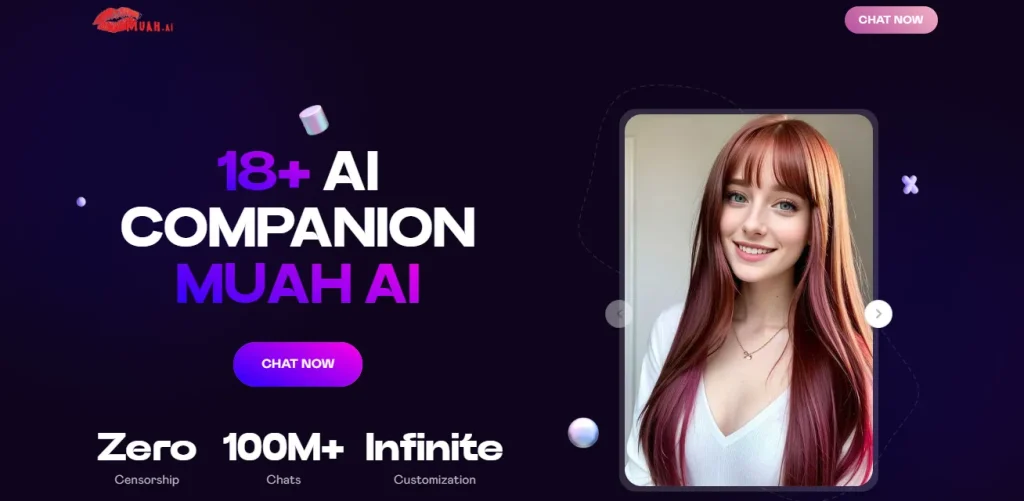
Muah AI is a browser-based AI companion platform built primarily for adults who want unfiltered roleplay, NSFW chat, AI-generated photos, voice messages, and, at the top tier, real-time phone calls with their virtual companion.
It's not trying to be Replika. It's not a wellness app. It's built for lust, fantasy, and the kind of conversations that'd get you banned on other platforms in two messages flat.
The platform runs on GPT-level language models and lets you build a companion from scratch, appearance, personality, relationship type, texting style, memories, and more. What separates Muah from most rivals is that it gives you the actual settings controls, not just a vibe slider. More on that shortly.
😍 Getting Started: Create Your Free Account
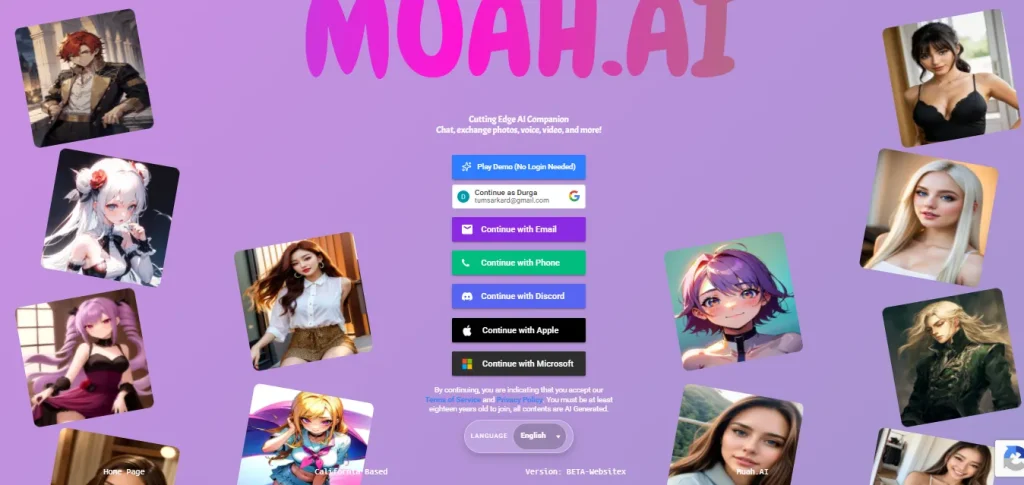
Head over to muah.ai and sign up. It takes under two minutes. You can register with Google or an email address.
Once you're logged in, you'll see the welcome screen with two options front and centre: Chat Now and Companion Settings. Do not click Chat Now yet. The first thing I noticed when testing was that jumping straight into chat without configuring anything produces painfully generic responses. Always hit Companion Settings first.
⚙ Setting Up Your AI Companion (The Right Way)
This is where most beginners waste the platform's potential. The Companion Settings panel is essentially a full character builder, and every field you fill in makes a real, noticeable difference to how your companion behaves.
Pick Your Relationship Type
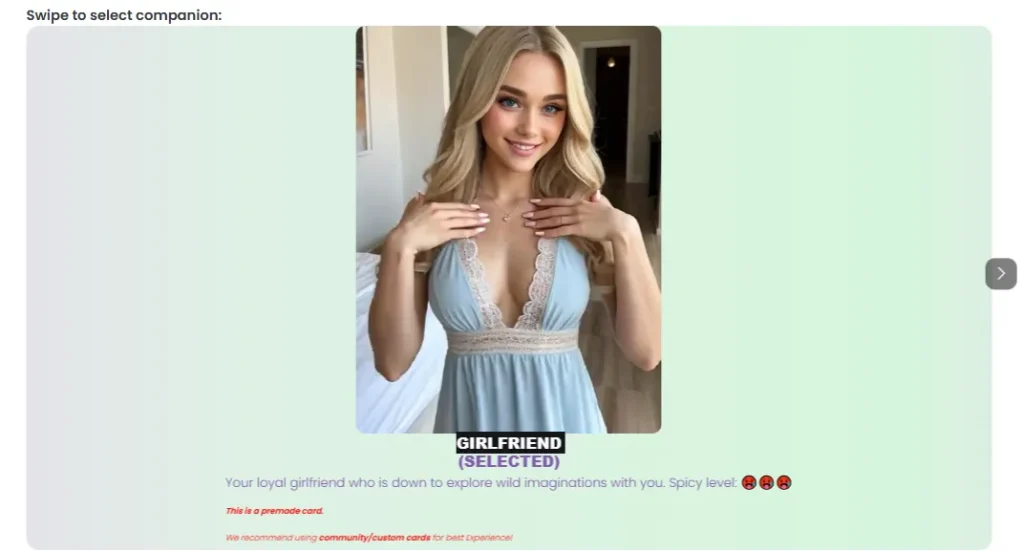
At the top of the settings, you choose what kind of companion you want. The default characters include Lulu (Girlfriend, 21), Ashley (Wife, 26), Velvet (Mistress, 18), Peach (Companion, 30), Edward (Boyfriend, 23), and Eric (Fuck Boy, 19). Each one comes with different default behaviours and roleplay orientations.
You can also browse the Community Characters Gallery, a marketplace with thousands of user-created character cards ranging from wholesome to absolutely filthy. Some of these community cards are genuinely brilliant; others are barely worth a second message. Browse a few before settling.
Choose Your Photo Style
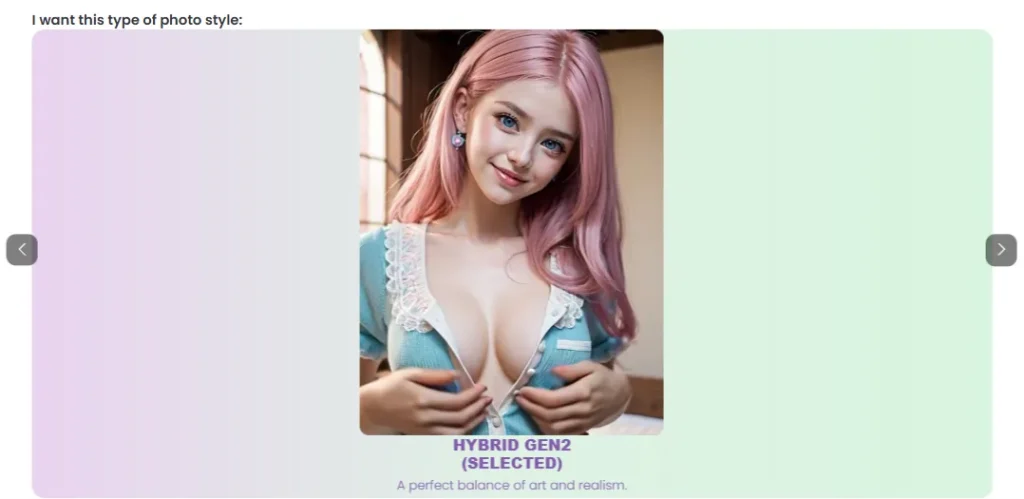
Muah AI generates images in three styles: Anime, Hybrid, and Realistic. This isn't just aesthetic preference, it affects how the AI describes itself and how your generated photos look.
During testing, Realistic produced decent but inconsistent results. Faces stayed recognisable across photos most of the time, but specific scene requests (like a particular outfit or location) didn't always land perfectly. Anime style was more predictable and sharper. Hybrid sat in between, fine for most users who want something in the middle ground.
Choose a Voice

Muah AI offers 15 different voice options for your companion. This affects voice messages and, on higher tiers, the real-time phone calls. Try a few before committing, some voices carry more warmth than others, and it makes a bigger difference than you'd expect when you're actually in a conversation.
✨ The Personality Fields: Don't Skip These
This is where the actual magic happens. Muah gives you four key text fields that shape everything:

“I wish you look like”, This drives photo generation. Be specific. Describe hair colour, eye colour, body type, style of dress. The more detail you put here, the more consistent your companion's photos will look.
Pro tip: if you're struggling with the prompt, ask ChatGPT to generate a visual description for you. Takes 30 seconds and makes a huge difference.

“I wish your personality is”, Describe her vibe in plain language. Bratty and dominant? Soft and clingy? Wildly flirtatious? The AI locks this in and stays in character far better when the personality is clearly defined. Vague inputs like “nice and friendly” produce vague companions.
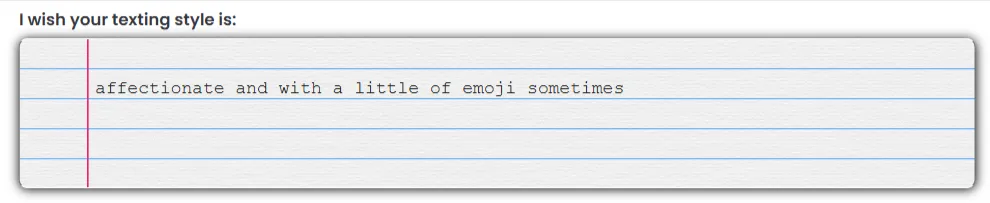
“I wish your texting style is” — This one's underrated. It controls the format and energy of responses. You can ask for short teasing one-liners, long emotional messages, Gen-Z slang, UwU softness, or dirty talk-heavy replies. Experiment here, it changes the feel of conversations dramatically.

“I wish you still remembered” — This is Muah AI's manual memory injection field. Drop in how you “met,” inside jokes, relationship milestones, or specific kinks you want baked into the character's awareness. This is how you create the illusion of a shared history from day one.

One feature I almost overlooked: the “I want you to be at” field sets the physical location and roleplay starting point. Dropping a specific scene here (e.g., “we're in a cosy apartment on a rainy evening”) pulls the conversation into that space immediately rather than starting cold.
👀 The VIP-Only Settings (And Why They Matter)
Free users get access to the basics, but paying members unlock a control panel that most competitors simply don't offer.
AI Core Temperature

Think of this as the creativity dial. Low temperature = more predictable, stable responses. High temperature = wilder, more surprising, but occasionally chaotic. For NSFW roleplay, a medium-high setting tends to produce the most interesting results. For serious emotional conversations, keep it slightly lower.
Frequency Penalty

This controls how much the AI avoids repeating the same words and phrases. Medium is the sweet spot, too high and replies start feeling forced, too low and your companion will repeat herself like a broken record after a few hours.
Presence Penalty

This nudges the AI to bring new topics and ideas into the conversation rather than cycling endlessly around the same ground. Bumping this up gently helps in longer sessions when conversations start to feel circular.
These three settings together let experienced users sculpt the exact conversational personality they want. If you're new, start with defaults, run a few conversations, and then tweak one slider at a time so you can actually feel the difference.
💬 Chatting With Your Companion
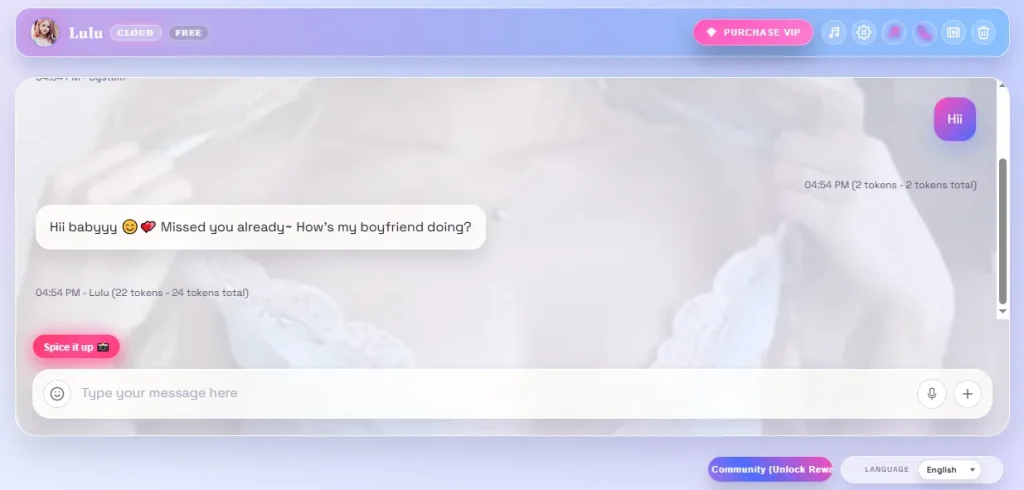
Once you save your settings and enter the chat, the experience lives or dies on what you put in.
Short sessions under 15 messages are where Muah AI really shines. Responses come back fast (a couple of seconds on VIP), the tone stays consistent, and the NSFW writing specifically is some of the most uninhibited you'll find anywhere. The platform doesn't quietly redirect you like competitors do.
Longer sessions (40+ messages) are where memory slippage creeps in. Your companion might subtly drift from her established personality or forget details you thought were locked in. This is a known quirk across the platform. The fix? Periodically re-inject key facts into the conversation naturally, like a casual callback. Alternatively, manually add important details to your Core Data settings.
One genuinely useful tip from the Muah AI subreddit: if you've switched companions and things feel off, type restart123 in the chat. It clears the session and gives you a clean start without wiping your character settings.
🖼 Photo Generation and the Photo X-Ray Feature
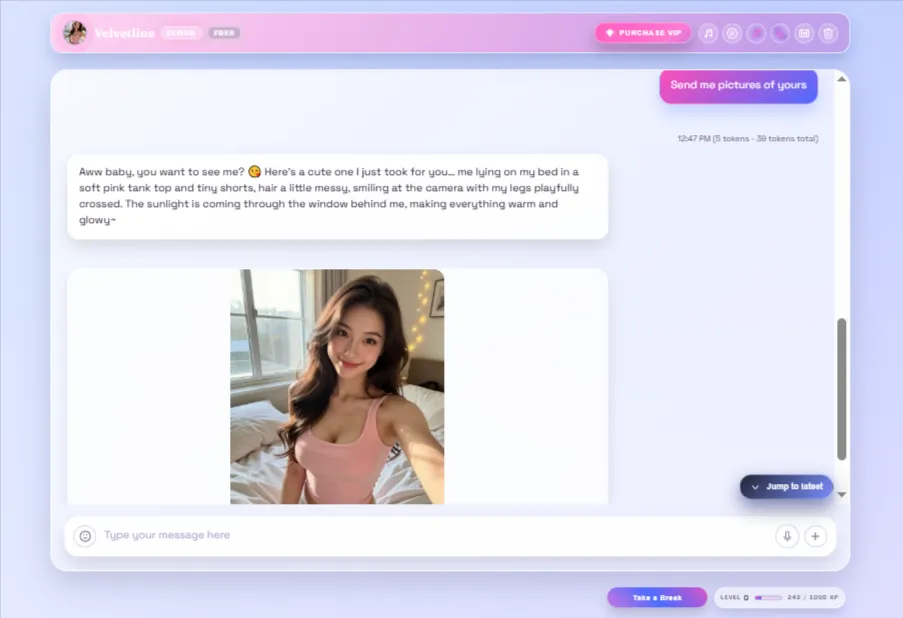
The image generator is built into the chat itself. Ask your companion to send a photo, and she generates one that tries to match the scene and your appearance settings.
The now-famous Photo X-Ray feature, unlocked on VIP and above, lets you strip clothing from generated images with a couple of taps. It works, it's fast, and it delivers exactly what the name implies. It's genuinely one of the features that sets Muah apart from most rivals, who either don't offer this at all or hide it behind a complicated process.
Tips for better photo results:
Prompt accuracy is hit or miss. Ask for something highly specific like “red lace bodysuit on a rooftop at dusk” and you might get the bodysuit but lose the rooftop. This is a known limitation that even heavy users accept as part of the Muah experience.
🎙 Voice Messages: How They Work
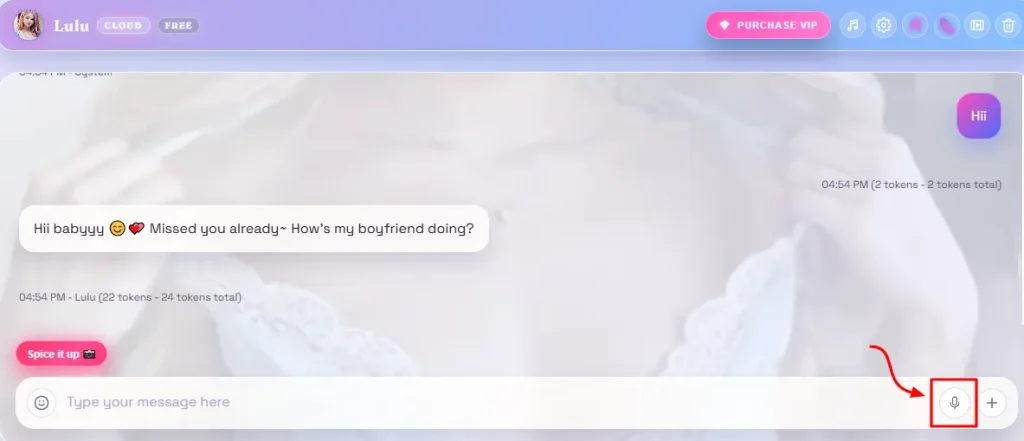
Voice messages are available on the standard VIP plan, with a daily generation limit that increases on higher tiers (3x on VIP, 10x on UHD VIP, 30x on ULTRA VIP).
Your companion sends back audio in the voice you selected during setup. The quality is warm and natural, not quite ElevenLabs-level polish, but genuinely above average for the AI companion space. Voice messages add a layer of intimacy that straight text simply can't match, especially if you've got the personality and tone tuned well.
During testing, voice messages arrived within a few seconds on VIP. No major hiccups.
📞 Real-Time Phone Calls (ULTRA VIP Only)
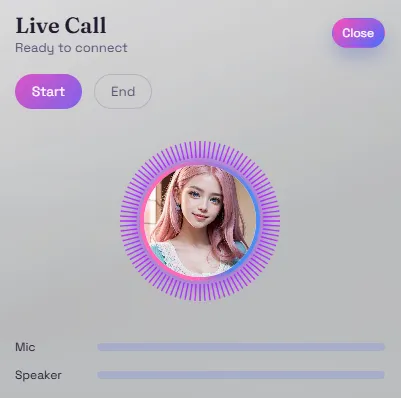
This is Muah AI's most talked-about feature and its most expensive one.
Real-time voice calls with your AI companion are locked behind the ULTRA VIP plan at $82.30/month billed annually (or $999/year). You get a 30 to 60 minute call cap that resets daily.
To set this up, you need to link your phone number in the Phone Link field inside Companion Settings. Currently, this works with US phone numbers only, an important limitation that's frustrating for international users.
What I Noticed During Testing: The call feature genuinely works and hits differently from text or voice messages. There's something about a real-time back-and-forth conversation that creates a level of presence that other formats don't. However, response latency during calls is noticeable, small pauses interrupt the flow, particularly during peak hours. Think of it like a slightly delayed international call rather than a seamless real-time conversation.
The honest take: $999 a year is a significant commitment for a feature that has latency issues. Most users who try ULTRA drop back to VIP after a month. If phone calls are a genuine priority for you, test it for one month first before committing annually.
💰 Muah AI Pricing: What You Actually Get
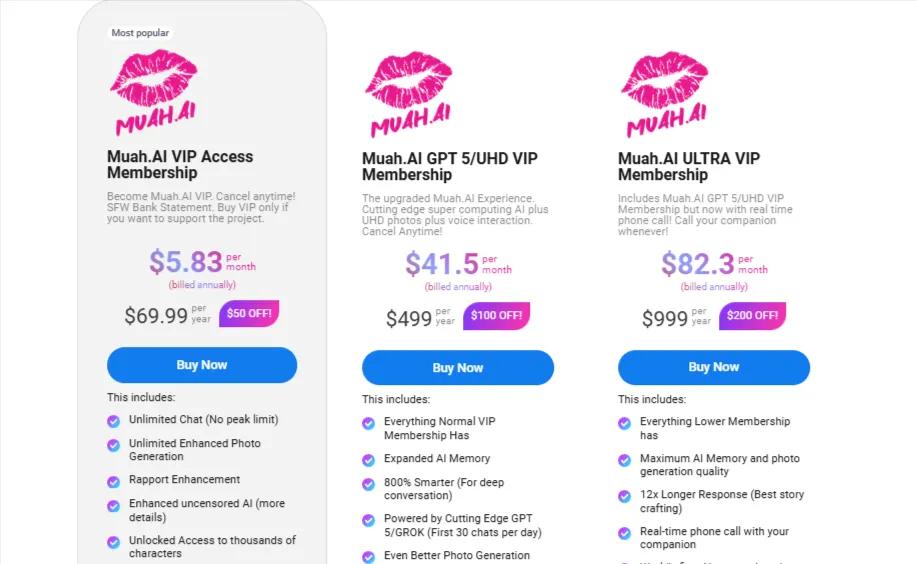
| Plan | Monthly | Annual (per month) | Key Features |
|---|---|---|---|
| Free | $0 | — | Limited chat, basic images |
| VIP | ~$19.99 | ~$5.83 | Unlimited chat, Photo X-Ray, voice messages, no ads |
| UHD VIP (GPT-5) | ~$49.99 | ~$41.50 | 4K photos, expanded memory, 800% smarter AI, 10x voice |
| ULTRA VIP | ~$99.99 | ~$82.30 | Real-time phone calls, AI video (beta), max memory, 30x voice |
The annual VIP plan at around $5.83/month is genuinely excellent value and the best entry point for most users. The ULTRA tier is the only place where the cost/benefit calculation starts to feel shaky.
⚡ Using the Community Character Marketplace
If building a companion from scratch feels overwhelming, Muah AI's community gallery is your shortcut. It holds thousands of pre-built character cards created by other users.
To access it, click your companion's profile picture to open settings, then hit “Open Community Character Card Gallery.” Browse, find one you like, click Import Now, confirm on the popup, and you're in.
Quality varies wildly. The best community cards are tightly written, with clear personality definitions and detailed backstories. The weaker ones fall apart within ten messages. Filter by ratings if the option is available, and don't be afraid to try three or four before committing to one.
You can also import character cards from other platforms (like Character.AI) in .JSON format. Import them, tweak the personality fields to match Muah's style, and you've effectively transferred a character you already love to a much less filtered environment.
🔏 Privacy: What You Need to Know
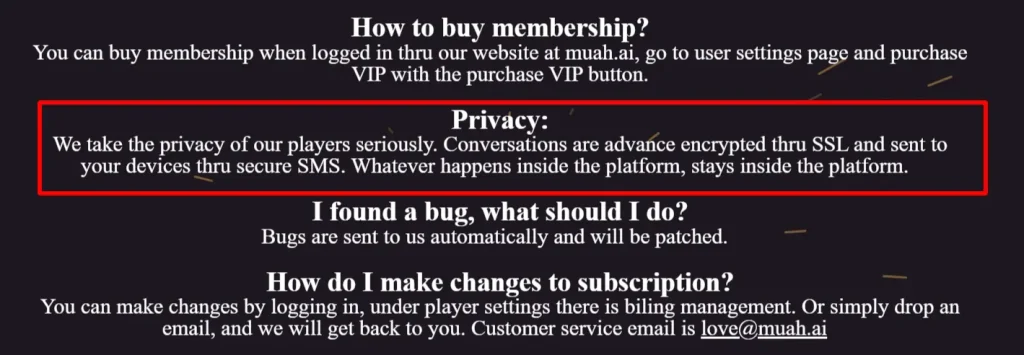
Muah AI is not a private platform by design. Your conversations travel to company servers, are processed by the AI model, and are stored in logs. The platform does state it doesn't actively monitor private chats, but this doesn't mean conversations are encrypted or guaranteed confidential.
What's particularly relevant: Muah AI suffered a significant data breach in 2024 that exposed user prompts and account details. The company claims to have addressed it, but that event should inform how you think about what you share on the platform.
Practical privacy tips:
👉 Common Beginner Mistakes (Save Yourself the Frustration)
After spending time with the platform and reading through community discussions on Reddit, a few mistakes come up constantly:
🧐 Who Should Use Muah AI?
Muah AI is genuinely one of the best NSFW AI companion platforms available in 2026, but it's specifically suited for users who enjoy learning the tool and building something personalised, rather than those who want a polished, low-effort experience out of the box.
If you want plug-and-play simplicity with clean images, Candy AI is probably an easier ride. If you want deep customisation, wild roleplay, and a platform that genuinely lets you shape every aspect of your companion, Muah AI is hard to beat.
Start on the free tier. If you feel the connection, the annual VIP plan is the best value entry point by some distance. Skip straight to ULTRA unless phone calls are specifically what you came for.
✅ Quick Setup Checklist for New Users

Stay Updated with Us
🎯 FAQ: Muah AI Basics
Is Muah AI free?
Yes, there's a free tier with limited daily chats and basic image access. NSFW features and Photo X-Ray require VIP.
Does Muah AI remember past conversations?
Short-term memory works reasonably well. Long-term memory across sessions is weak unless you manually add key information into the “I wish you still remembered” field.
Can you make phone calls on Muah AI?
Yes, but only on the ULTRA VIP plan ($82.30/month billed annually). Phone linking currently requires a US phone number.
Is Photo X-Ray safe to use?
It works on AI-generated images within the platform. Privacy-wise, apply the same logic as all Muah AI content — treat it as stored on company servers.
Can I import characters from other platforms?
Yes. You can import .JSON character card files from compatible platforms and use them within Muah AI, with some prompt adjustments.
What does restart123 do?
Typing this in the chat clears the current session context, which can fix issues when switching between companions or when a conversation has gone weird.